End-to-end encrypted
Notes are encrypted on your device with AES-256-GCM before they leave it. Our server only ever stores ciphertext.
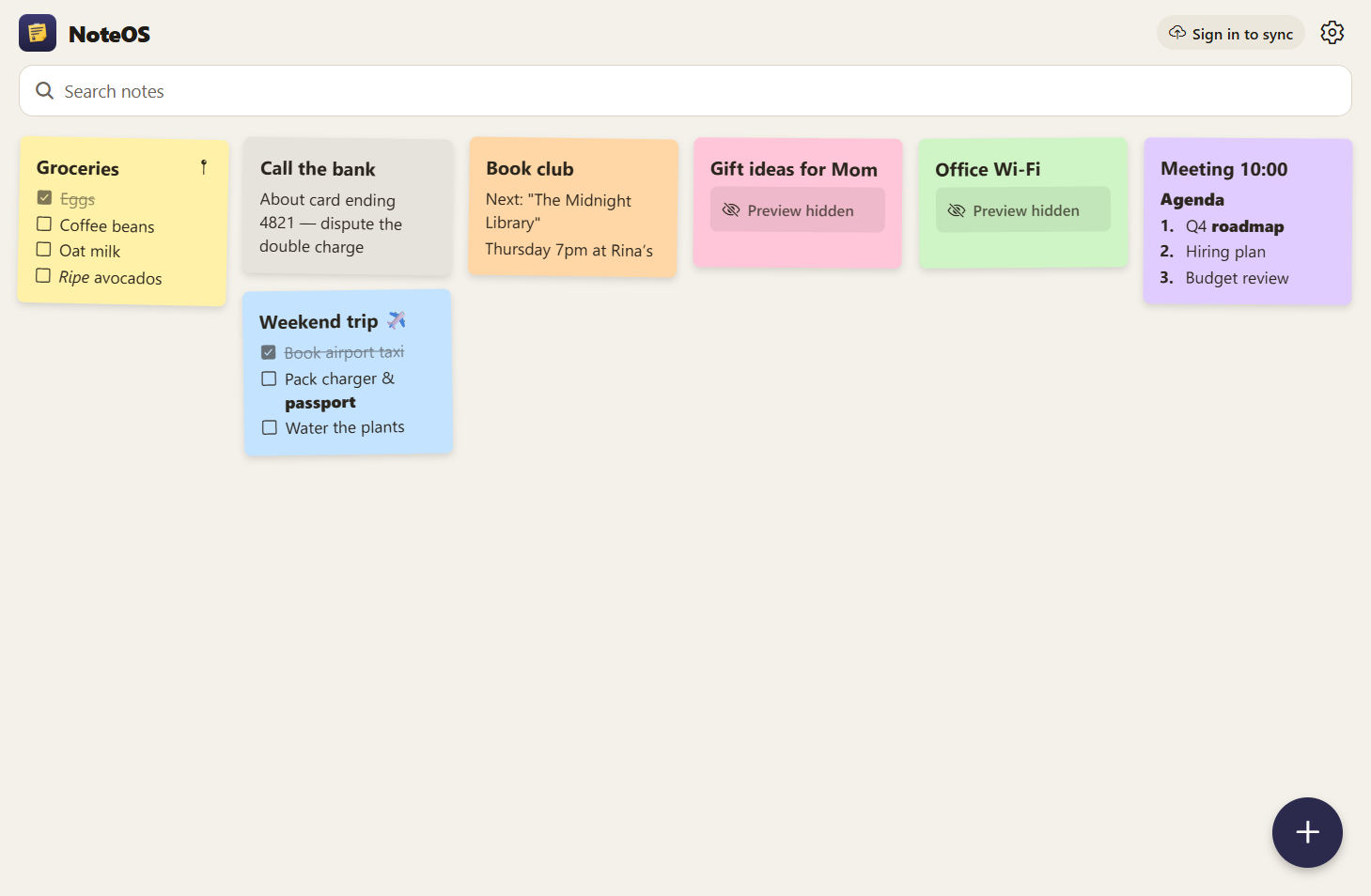
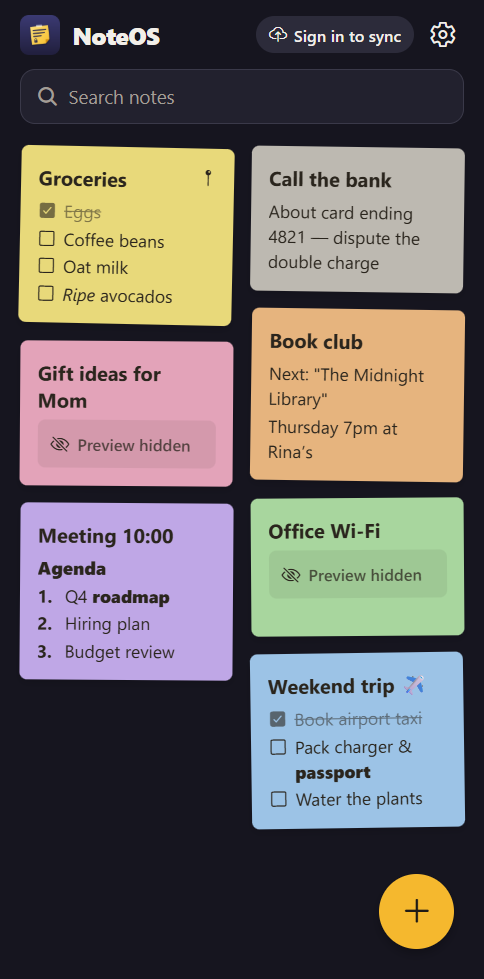
NoteOS is a fast, colorful sticky-note app with end-to-end encryption. It works offline, locks with your fingerprint, and syncs across all your devices — without anyone else being able to read a word.
Android · iPhone · Windows · macOS · Linux · Web
Simple enough to jot a thought in two seconds. Private enough for your passwords, plans and diary.
Notes are encrypted on your device with AES-256-GCM before they leave it. Our server only ever stores ciphertext.
Open the app and start writing. Notes are saved on your device first — sign in only if you want backup and sync.
Android, iPhone, Windows, Mac, Linux and the web. Edits made offline upload automatically when you’re back online.
Lock NoteOS with a PIN, fingerprint or Face ID. The app hides its contents from the app switcher, too.
Mark a note as hidden and the board shows only its title. Opening it asks for your PIN or fingerprint.
Group notes into encrypted folders and tick off every open checklist item from one Tasks list. Formatting shows as you type, and deleted notes wait in Trash for 30 days.
Your password never leaves your device. It unlocks a key that encrypts every note, and only your devices hold that key.
A note is plain text only on your screen.
AES-256-GCM with a key derived from your password. The server receives only this:
qN3f8x0ZbLk2+Vt…Jm7wQ==Sign in on your phone or laptop with the same password and the note appears — readable there, and nowhere else.
Hidden notes show only their title on the board, so you can open NoteOS on a train or in a meeting without worrying. Opening one asks for your fingerprint.
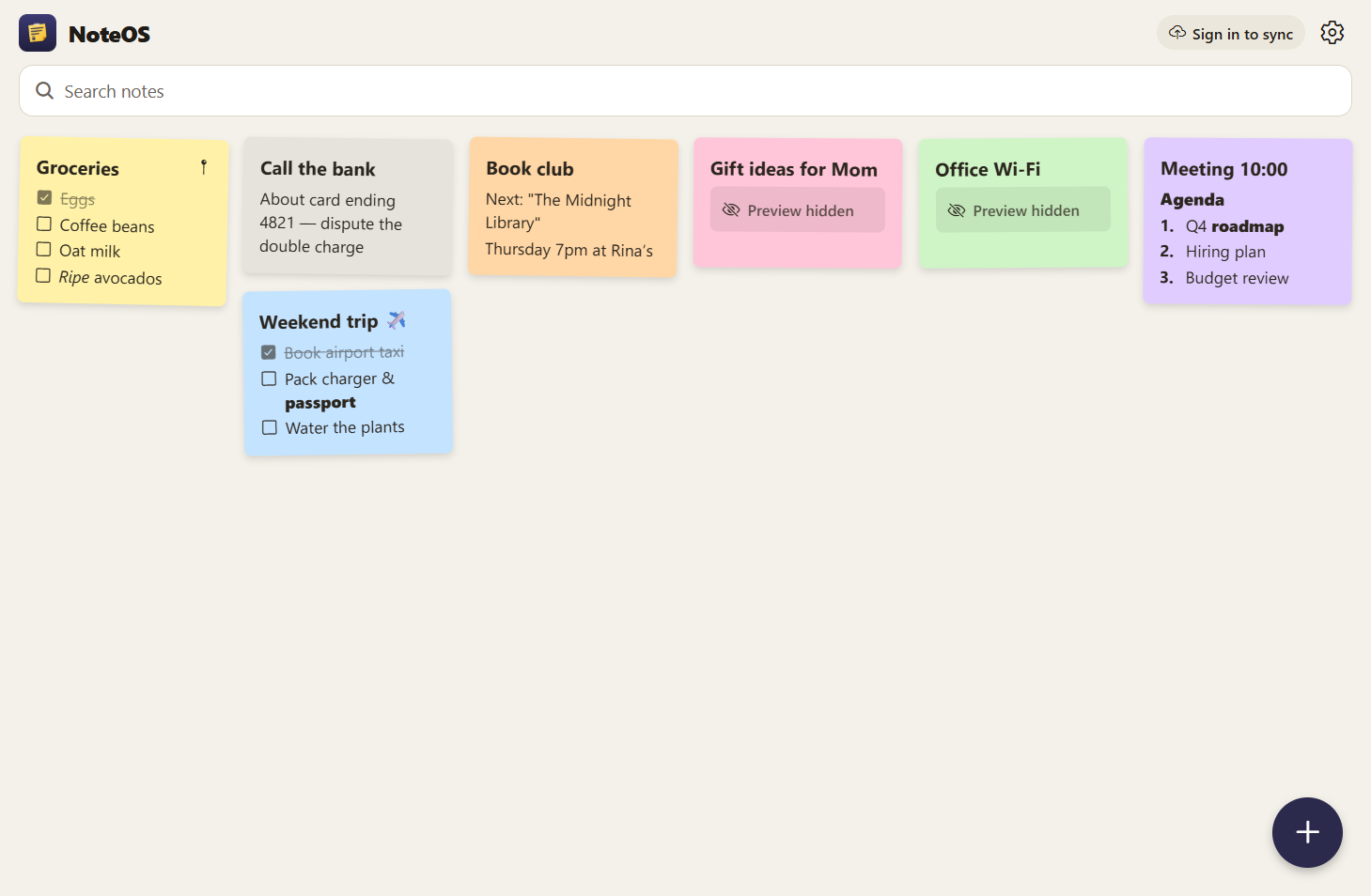
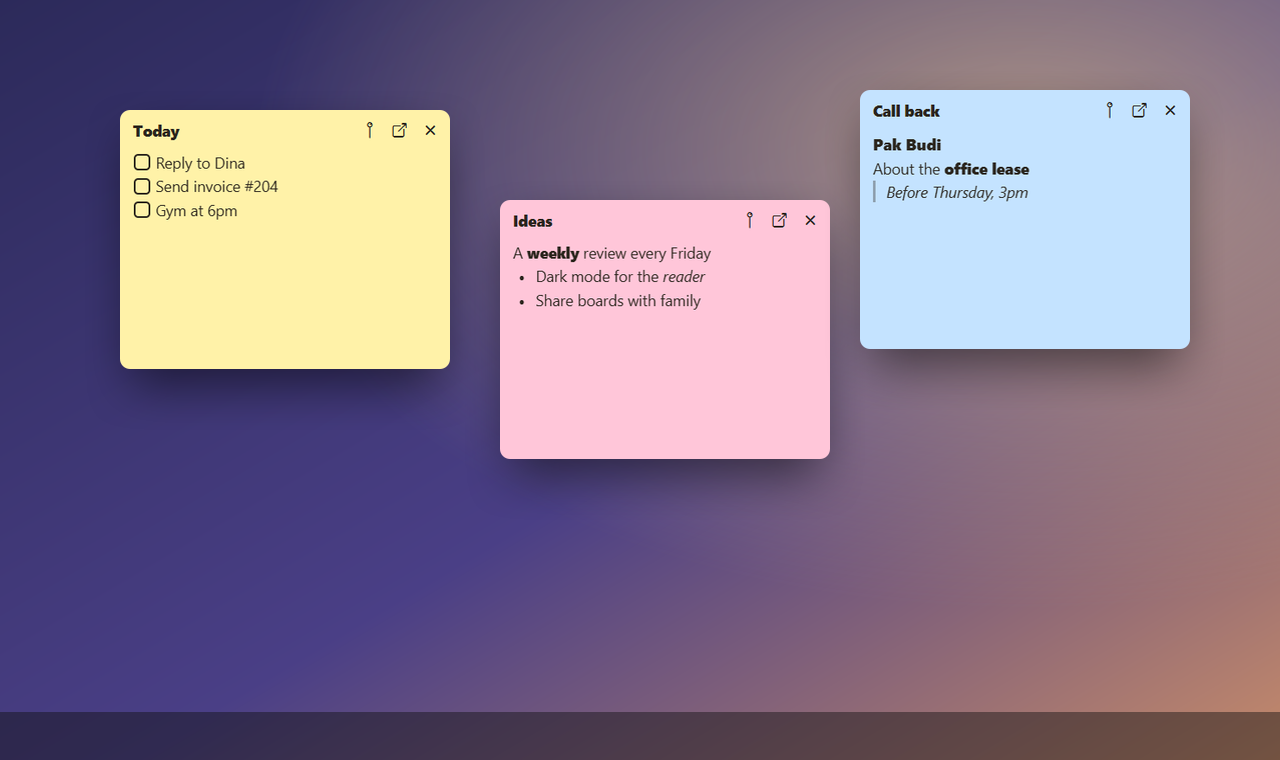
On Windows, Mac and Linux, any note can leave the board and live on your desktop as its own little window — just like a sticky note on your monitor, but encrypted and synced.
| NoteOS | Typical cloud notes app | |
|---|---|---|
| The server can read your notes | No — it only stores ciphertext | Usually yes |
| Works without an account | Yes, on every app | Rarely |
| Works offline | Yes — local first | Partially |
| App lock with PIN / fingerprint | Built in | Often a paid extra |
| Ads and trackers | None | Common |
Want reminders that stay visible while you work? How desktop sticky notes work on Windows, macOS and Linux, tips for using them well, and how they work in NoteOS.
Read article →November 14, 2026Looking for a private, encrypted notes app on Android? Seven features that actually protect your notes, what each one means, and how NoteOS handles them.
Read article →October 24, 2026Why we built a sticky-note app with end-to-end encryption, and what makes NoteOS different.
Read article →Not in the Android, iOS and desktop apps — they work fully offline. An account adds encrypted backup and sync between devices. The web app requires an account, because browsers can’t store encryption keys securely.
Use “Forgot password?” to get a code by email. With the recovery key you saved when you signed up, you set a new password and keep every note. Without it, you can start fresh: synced notes can’t be decrypted by anyone, so they’re removed, but the notes still on your phone or computer are kept and uploaded again.
Yes. Google confirms who you are, and you set a separate NoteOS password that encrypts your notes. Google never sees that password or your notes.
No. After signing in with Google, choose “Unlock with your phone” and scan the QR code with NoteOS on your phone. Your phone hands over the key encrypted to that screen only — the server just passes it along and can’t read it.
Yes. NoteOS is free to download and use, with no ads.
On your devices first, encrypted. If you sign in, an encrypted copy is kept on the NoteOS server for backup and sync — it can only be decrypted on your devices.